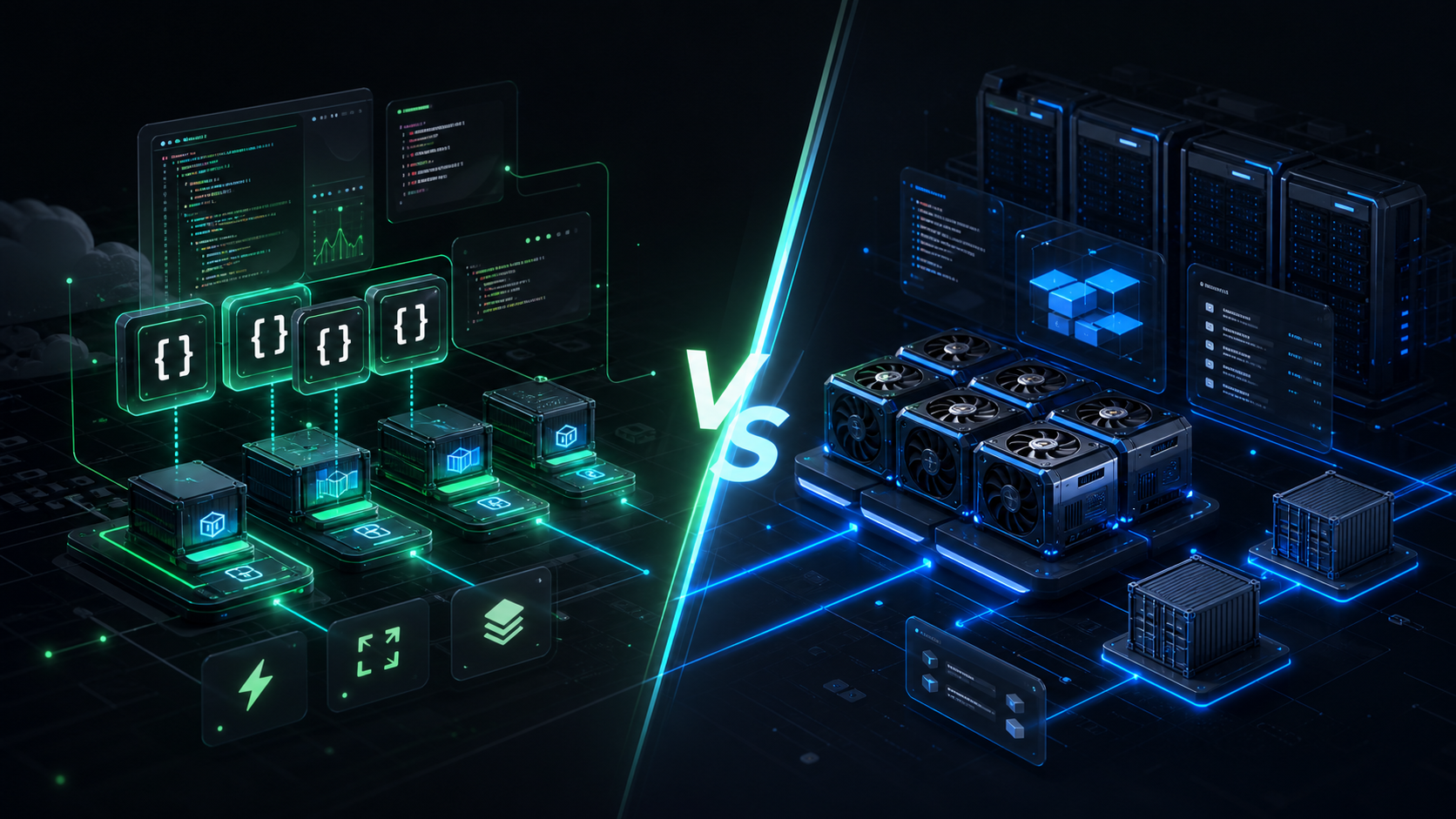
Short answer: choose Modal when you want serverless AI jobs, Python-first deployment, queues, web endpoints, and per-second GPU execution. Choose RunPod when you want cheaper direct GPU capacity, persistent GPU pods, custom Docker containers, or a closer-to-VM workflow.
Need the Modal implementation path? See Build on Modal with Nythral for service scope, PeakCut proof, and a consultation form.
Modal and RunPod both sit in the same broad category: cloud GPU infrastructure for AI developers. That is where the similarity starts. The practical choice is not “which one is better?” The useful question is “which execution model fits the system you are building?”
Modal is strongest when AI compute should behave like a programmable serverless layer: functions, containers, GPU selection, web endpoints, queues, schedules, Volumes, Secrets, Sandboxes, scale-to-zero behavior, and per-second billing. It feels like a serverless compute platform designed for AI and data workloads.
RunPod is strongest when you want direct GPU machines or a more conventional container hosting model: GPU Pods for persistent compute, Serverless endpoints for request-driven inference, templates, Docker images, network volumes, and an explicit GPU marketplace feel. It is closer to renting GPU infrastructure with AI-friendly tooling around it.
Modal vs RunPod At A Glance
| Decision point | Modal | RunPod |
|---|---|---|
| Best mental model | Serverless Python/GPU functions for AI jobs. | GPU cloud with Pods, Serverless endpoints, templates, and volumes. |
| Strongest use case | Bursty AI jobs, async processing, model endpoints, queues, sandboxes, scheduled workloads. | Persistent GPU work, custom training boxes, cheaper GPU access, notebooks, dedicated containers. |
| Deployment style | Define Modal Images and Functions in Python; deploy with Modal CLI. | Deploy containers from Docker images/templates to Pods or Serverless endpoints. |
| Billing shape | Per-second serverless resource billing, no minimum usage-time increment. | Pod pricing is typically per GPU-hour; Serverless has request/compute-style billing with idle worker controls. |
| Operational feel | Less infrastructure ownership; more platform abstraction. | More direct infrastructure control; more choices to manage. |
| Good default for product backends | Use as an execution layer behind your main app. | Use as GPU capacity or inference infrastructure behind your main app. |
The Core Difference
Modal starts from code. You write Python, define the environment, annotate the function with CPU/GPU/resources/secrets, and Modal runs it in managed containers. That makes it unusually comfortable for AI engineers who want to turn a script into a production job without designing an entire worker platform first.
RunPod starts closer to compute. You pick GPU capacity, templates, containers, volumes, and endpoint behavior. That makes it attractive when you want to run a known stack, keep a pod alive, attach storage, open a notebook, tune a custom Docker image, or control the runtime more directly.
The distinction matters because AI work is not one workload. A scheduled embedding job, an LLM endpoint, a batch image generator, a fine-tuning run, a dev notebook, and an agent sandbox do not want the same infrastructure shape.
Pricing Model
Modal's headline pricing advantage is precision. Its pricing page shows GPU tasks priced per second, with examples such as T4 at $0.000164/sec, L4 at $0.000222/sec, L40S at $0.000542/sec, H100 at $0.001097/sec, H200 at $0.001261/sec, and B200 at $0.001736/sec as checked on July 4, 2026. Modal also prices CPU, memory, and Volumes separately.
RunPod usually feels more like a GPU marketplace. Pods expose hourly GPU prices, and the exact price depends on GPU model, secure cloud/community cloud, storage, region, availability, and configuration. RunPod Serverless uses a different model around workers and execution behavior. In practice, RunPod can be very cost-effective when you know you need a GPU machine for a sustained window or when a marketplace price is favorable.
Budget rule: Modal tends to win when jobs are bursty, event-driven, or idle often. RunPod tends to win when you want a GPU box for hours, notebooks, training sessions, or hands-on runtime control.
| Cost pattern | Likely better fit | Reason |
|---|---|---|
| Short jobs triggered by user actions | Modal | Per-second execution and scale-to-zero behavior reduce idle spend. |
| Long training run on a known GPU | RunPod | A pod can be simpler and potentially cheaper for sustained use. |
| Batch jobs with unpredictable volume | Modal | Queue/function semantics fit variable workloads cleanly. |
| Interactive notebook or manual experiment | RunPod | Persistent GPU pods are a natural fit for hands-on sessions. |
| Always-warm inference endpoint | Depends | Compare cold-start tolerance, utilization, GPU type, worker settings, and total monthly cost. |
Deployment And Containers
Both platforms use containers, but they expose that fact differently.
Modal lets you define an image from Python with modal.Image, install dependencies, use existing Docker images, use Dockerfiles, and attach Secrets or Volumes. The deployable unit is usually a Modal App containing one or more Functions. A function can become a web endpoint, background job, scheduled job, queue consumer, or sandboxed task.
RunPod makes Docker more explicit. Pods and Serverless workers run containers from selected images/templates, and developers often think in terms of “which Docker image do I run on which GPU?” That is an advantage if the team already has a containerized inference stack and wants to control ports, volumes, environment variables, startup commands, or notebook behavior directly.
GPU Hardware
Modal's public GPU docs currently include selectable GPU values across T4, L4, A10, L40S, A100 40GB/80GB, RTX PRO 6000, H100, H200, and B200/B200+. It also supports multi-GPU containers for several instance families.
RunPod's available hardware depends on marketplace availability and product mode, but its GPU cloud commonly exposes a broad menu across consumer, workstation, and datacenter GPUs. That breadth is part of RunPod's appeal: developers can often choose from many GPU types and price points, especially when the workload does not require the newest datacenter card.
If you need a specific high-end GPU for a product endpoint, compare live availability before committing. If you need a cheap GPU for experimentation, RunPod's marketplace style may be more flexible. If you need GPU as a serverless function resource inside a larger workflow, Modal's abstraction can be cleaner.
Inference
Modal gives developers two broad paths. The programmable path lets you bring your own model serving stack, such as vLLM, SGLang, Transformers, Diffusers, Whisper, or a custom runtime. Modal Inference adds a higher-level product where teams can use a model catalog or bring their own weights from Hugging Face or a Modal Volume.
RunPod also supports both direct infrastructure and serverless inference. A team can run a persistent pod with an inference server, or package a model into a serverless endpoint. The RunPod path can be attractive when the team wants explicit Docker control, model templates, persistent volumes, or a more infrastructure-shaped deployment.
The clean choice depends on where the complexity should live. If you want the product backend to submit a job and forget about infrastructure details, Modal is often cleaner. If you want to tune the serving container and GPU environment directly, RunPod may feel more natural.
Which Should You Choose?
Nythral Recommendation
For most AI products, the correct architecture is not to put the whole application inside Modal or RunPod. Keep customer state, permissions, billing, files, audit trails, and product workflows in your main backend. Use Modal or RunPod as compute infrastructure behind that backend.
Modal is the better first choice when the workload is product-shaped: an API call creates a job, a worker runs inference or processing, the result returns to the database, and the user sees durable status. RunPod is the better first choice when the workload is machine-shaped: a developer needs a GPU environment, a model needs to run for hours, or the team wants direct Docker/runtime control.
This is also where Nythral's private AI model infrastructure fits. Modal and RunPod are excellent cloud execution tools, but some companies eventually need private capacity for sensitive data, predictable cost, latency locality, or governance. The strongest architecture often combines a durable backend, elastic cloud GPUs for burst, and private infrastructure for workloads that should stay under tighter control.
The Verdict
If the question is “which one should an AI developer try first?” the answer is Modal for productized serverless AI workflows and RunPod for direct GPU access. Modal feels like AI-native serverless. RunPod feels like AI-native GPU infrastructure. Both are useful; they just optimize for different layers of the stack.
The practical test is simple. If your code wants to be a function, job, endpoint, queue consumer, or schedule, start with Modal. If your code wants to live inside a GPU machine, notebook, custom container, or long-running server, start with RunPod.