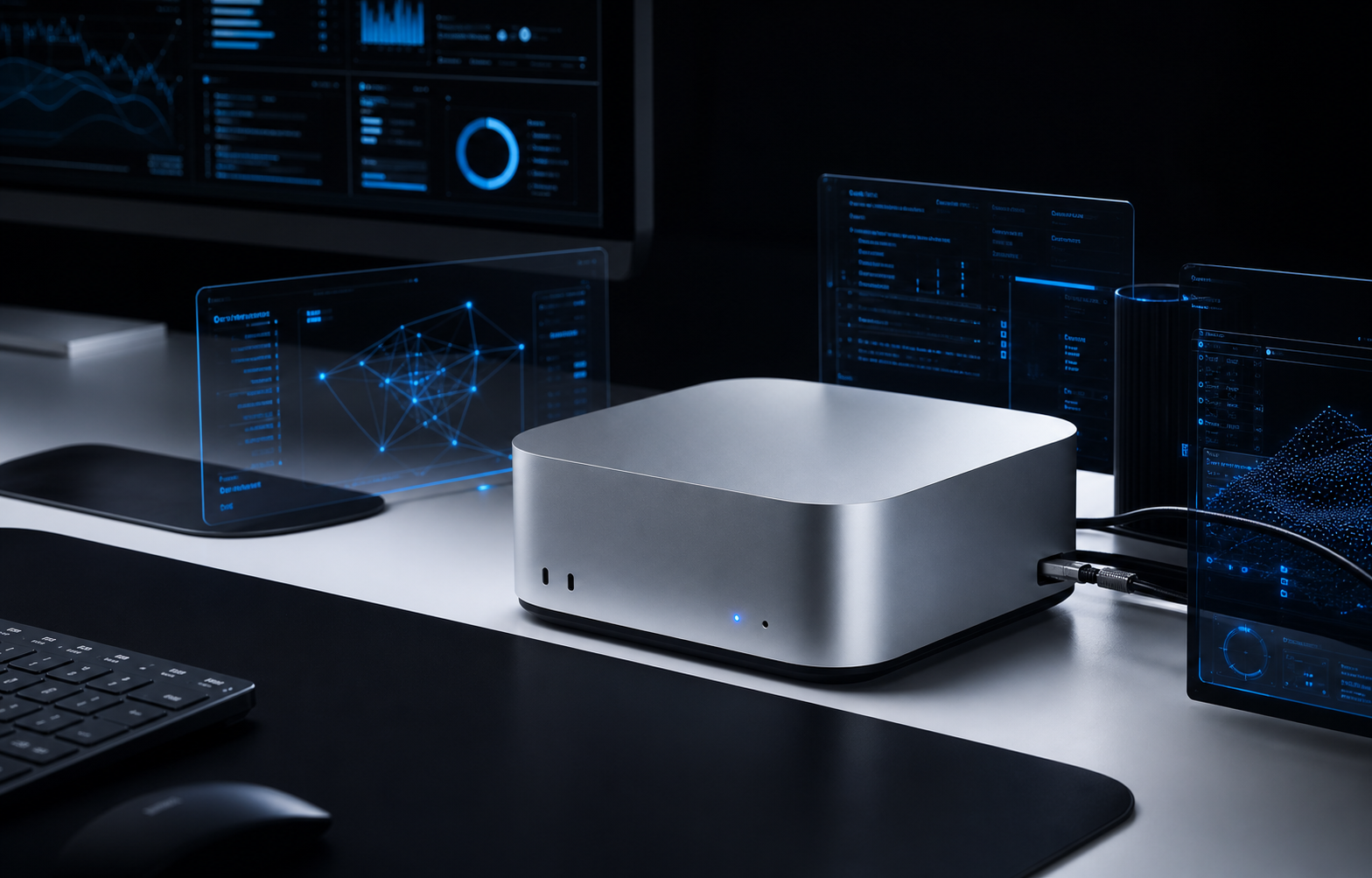
The first private AI machine is usually bought like a workstation. The second one forces the real question: who decides where work runs?
A compute layer is the answer. It is the scheduling, policy, observability, and recovery layer between users, agents, models, and machines. Without it, every new box becomes another manual exception.
A private AI system becomes useful when compute is treated as a managed pool, not as a collection of powerful computers.
What the compute layer owns
The layer does not need to be complicated at the start. It needs to make the important decisions explicit: which model runs, on which node, with what data, under which policy, and how the result is logged.
A real small-team layout
For a useful private deployment, one machine can be the coordinator and one or more machines can be workers. The coordinator handles users, auth, queues, indexes, and logs. Worker nodes handle inference and media tasks.
| Node | Example hardware | Role | Why it exists |
|---|---|---|---|
| Coordinator | Mac mini M4 Pro, 48GB-64GB memory, 10GbE, 1-2TB SSD | API gateway, queue, vector database, admin UI, lightweight models | Keeps the system online even when GPU workers reboot or change |
| GPU worker | RTX 4090 24GB or RTX 5090 32GB workstation | Fast local inference, coding model, image/video experiments | Gives the team speed without putting every service on the GPU box |
| Large-memory worker | Mac Studio M3 Ultra with 256GB-512GB unified memory or RTX PRO 6000 Blackwell 96GB | Large quantized models, long-context jobs, heavier analysis | Handles work that does not fit comfortably on consumer VRAM |
| Edge node | Ryzen AI Max+ 395 128GB compact desktop | Branch-local assistant, private document processing, offline fallback | Keeps sensitive work close to the location that owns the data |
Example 1: private document assistant
A law office, repair network, clinic, or internal operations team may not want documents uploaded to a public AI product. A practical layout is a coordinator node with the document index and a GPU worker for heavier answers.
Small extraction jobs can run on a 7B-14B model. Longer answers or multi-document reasoning can route to a 30B-70B model when needed. Every answer should keep source links, document permissions, and audit logs attached.
Example 2: agentic software workbench
For software teams, the compute layer should separate quick code search from expensive reasoning. A small model can classify issues, inspect diffs, and summarize logs. A larger model can handle architectural analysis, test repair, or cross-file refactors.
The important part is not just model quality. The system needs workspace isolation, Git permissions, test execution limits, and a review path before code reaches production. That is why Nythral treats agentic software delivery as infrastructure, not just prompting.
Example 3: creative AI pipeline
Voice, video, image, and music workflows behave differently from chat. They need queueing, asset storage, retries, and sometimes different GPU workers for different tools. A good compute layer keeps those tasks from blocking the private assistant or business automation jobs.
For a studio or marketing team, the useful architecture is usually mixed: a quiet always-on coordinator, one GPU box for generation, shared asset storage, and a review interface where humans approve outputs before publication.
When one machine is enough
One machine is enough when there is one primary operator, limited private data, no strict uptime requirement, and no need to run several model classes at once. In that case, a Mac mini M4 Pro, a Ryzen AI Max+ 395 compact machine, or a single RTX workstation can be a sensible start.
But the software should still be written as if a second node may appear later. Keep model endpoints configurable. Keep jobs in a queue. Keep logs outside the worker. Keep files in a location that can be mounted or synchronized.
When to move to a real layer
Move beyond a single box when any of these become true: several people use the system, long jobs block short jobs, sensitive departments need different permissions, model upgrades are risky, or you cannot tell why a response was slow.
Nythral's Private AI Models, Software Development, and Open Source work are designed around this pattern: useful private AI starts with hardware, but it survives through orchestration, governance, and clear software boundaries.