01
Problem framing
The project starts from a small but concrete interaction problem: macOS gives the Globe/Fn key too many meanings, so users need direct control.
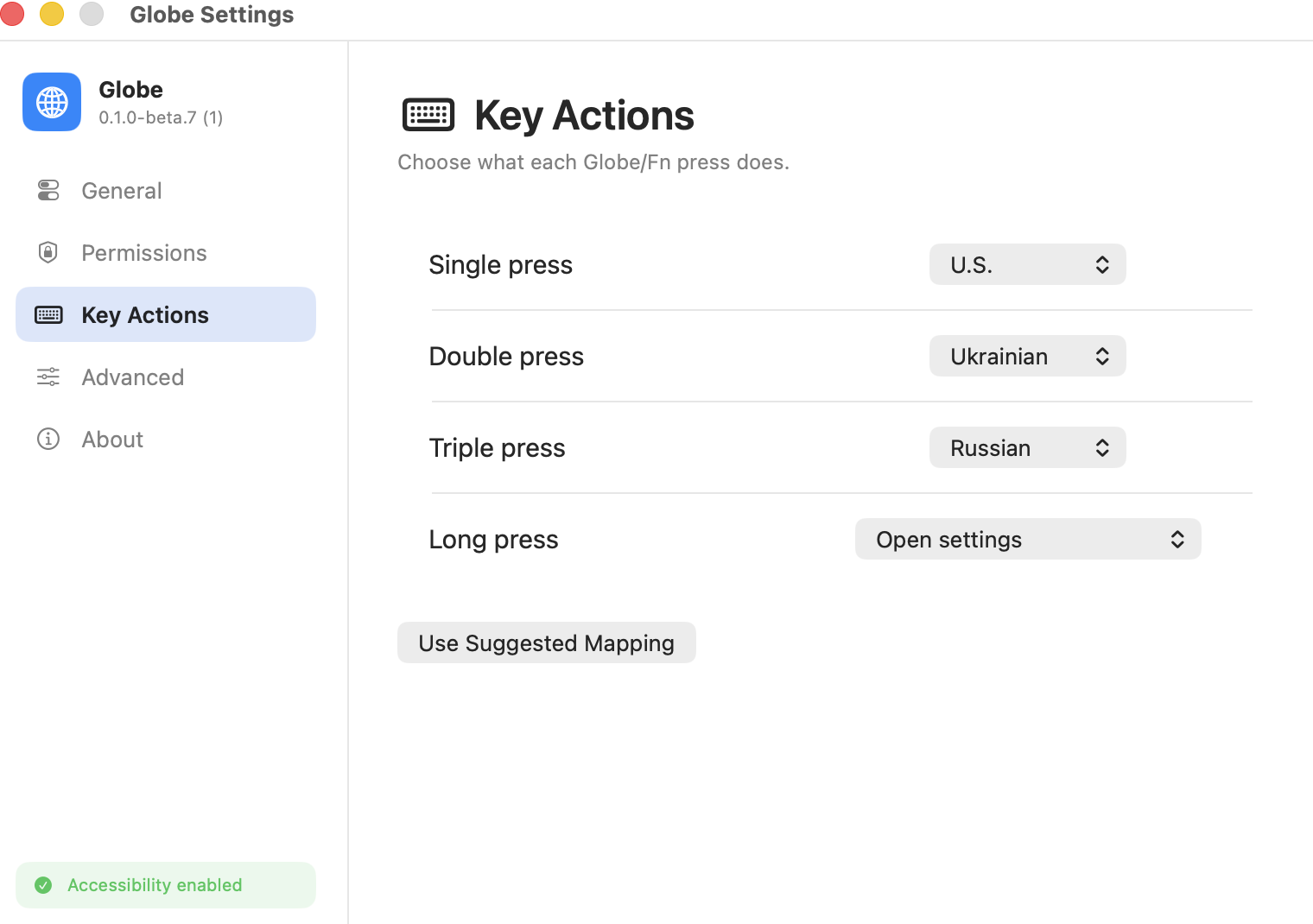
macOS Globe key control
Globe is an open-source macOS input utility focused on one narrow but frustrating system behavior: the Globe/Fn key is overloaded across input switching, shortcuts, dictation, emoji, and function behavior. The project makes that key predictable by presenting explicit actions, permission-aware onboarding, and settings that show what the app needs from macOS instead of hiding system requirements.
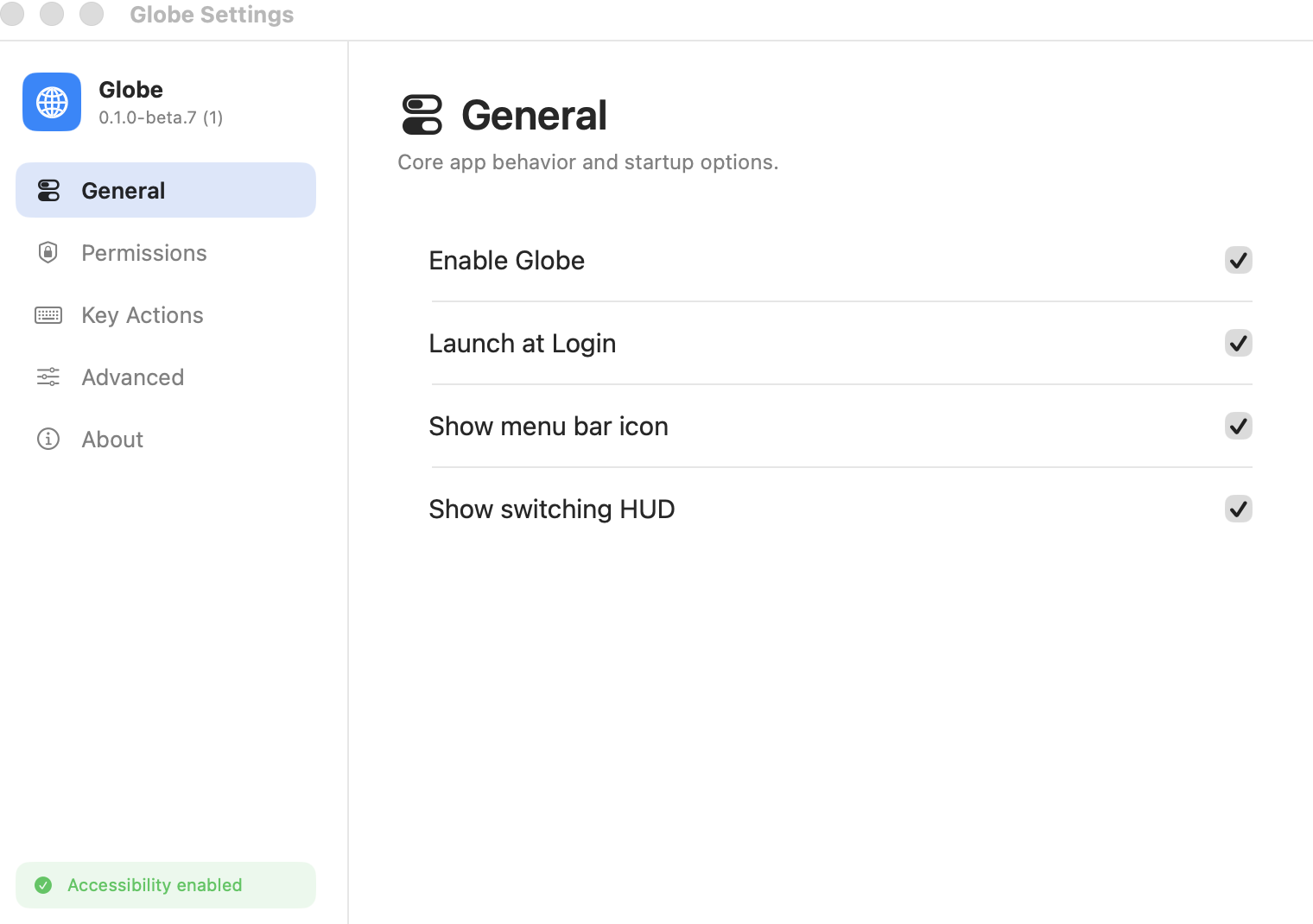
Delivery record
The work covered scope discipline, public documentation, product framing, architecture decisions, visual presentation, and repository-ready delivery.
01
The project starts from a small but concrete interaction problem: macOS gives the Globe/Fn key too many meanings, so users need direct control.
02
The app and site present system access as an understandable requirement, not as a hidden implementation detail.
03
The interface stays narrow: actions, setup, and settings for the Globe/Fn key rather than a general keyboard automation suite.
04
The public landing and repository story make the utility inspectable, practical, and easy to understand before installation.
Product screens
Key screens, workflow states, launch pages, and operating surfaces are arranged as a moving system instead of static thumbnails.
Key actions
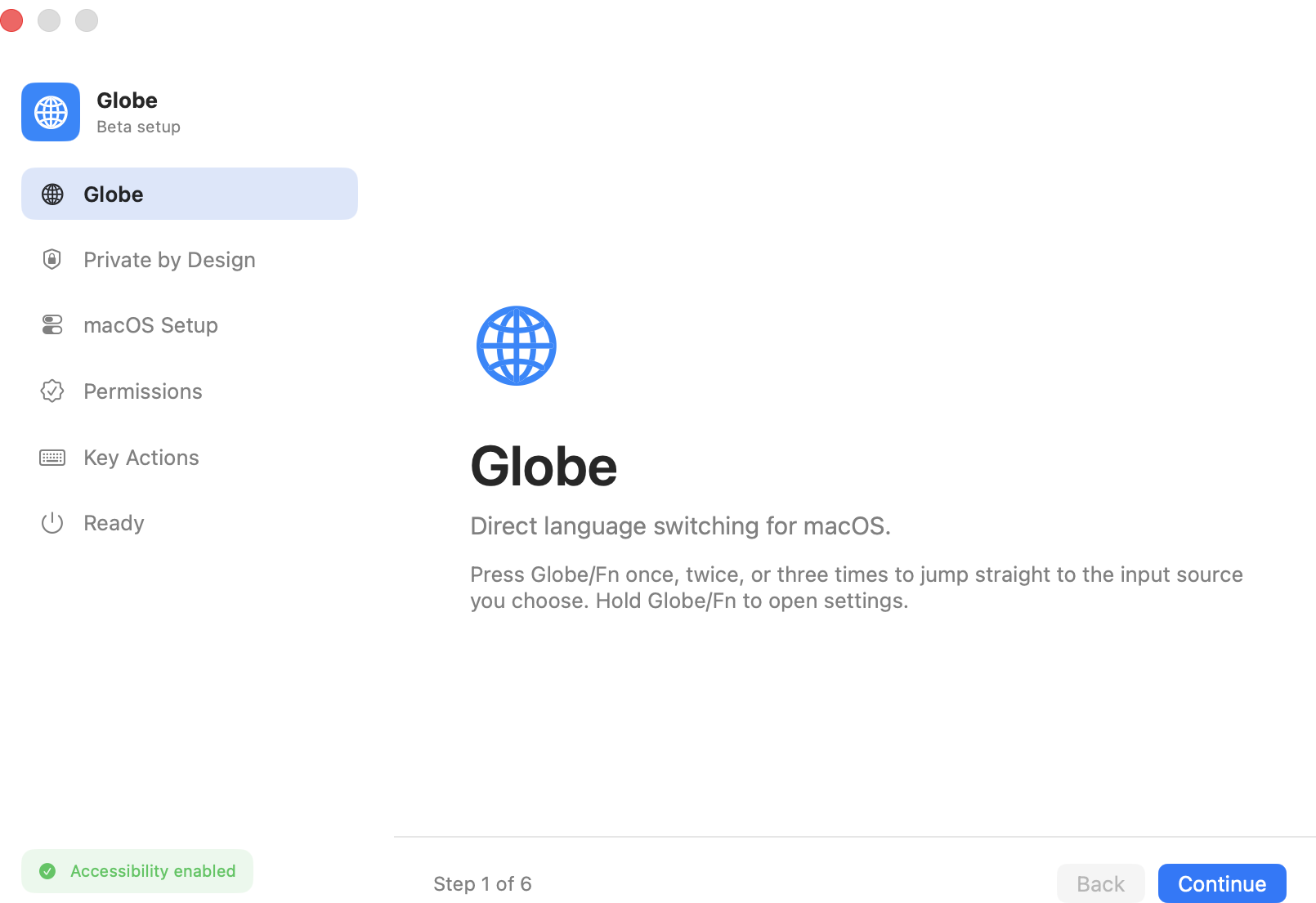
Onboarding
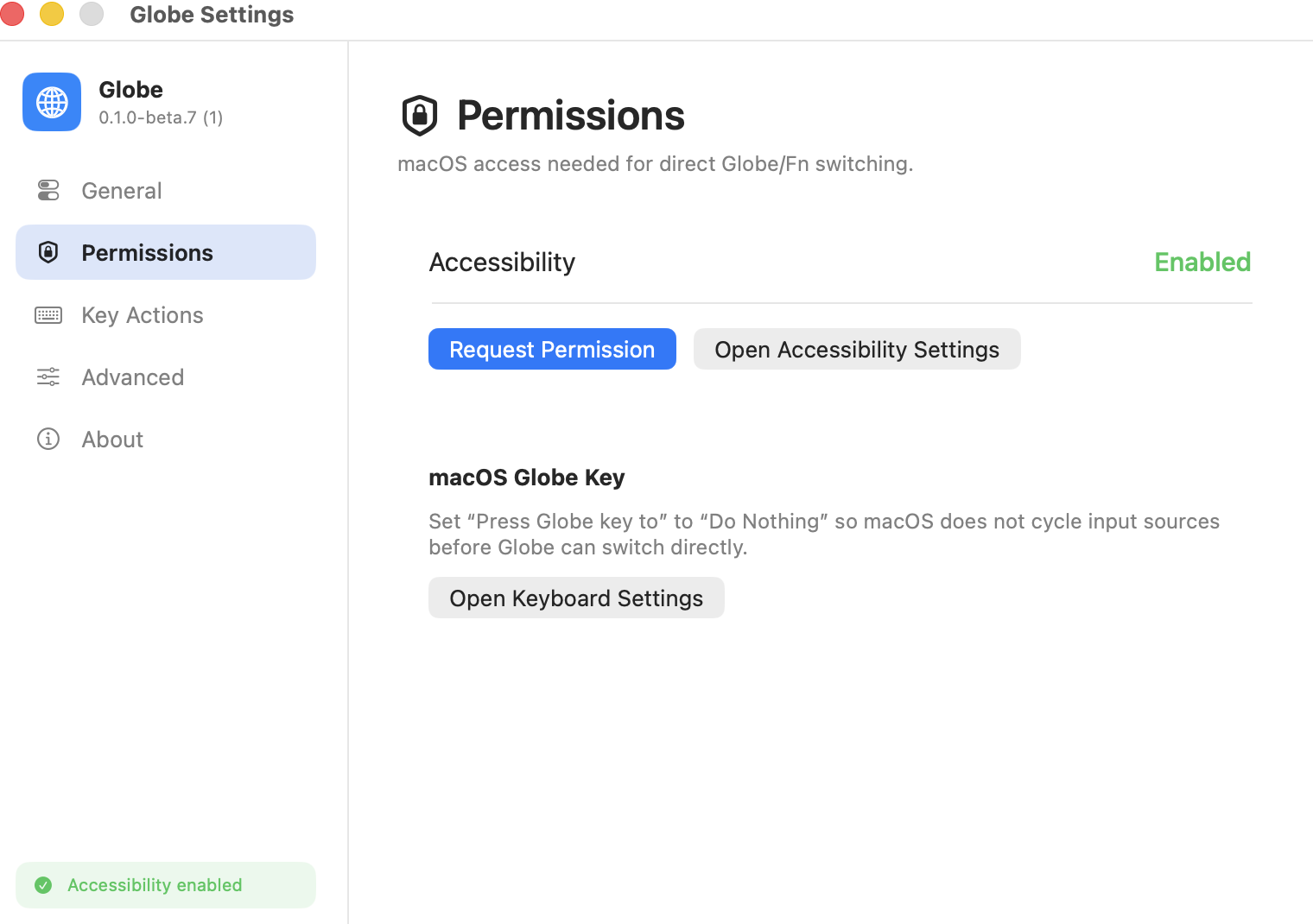
Permissions
Settings
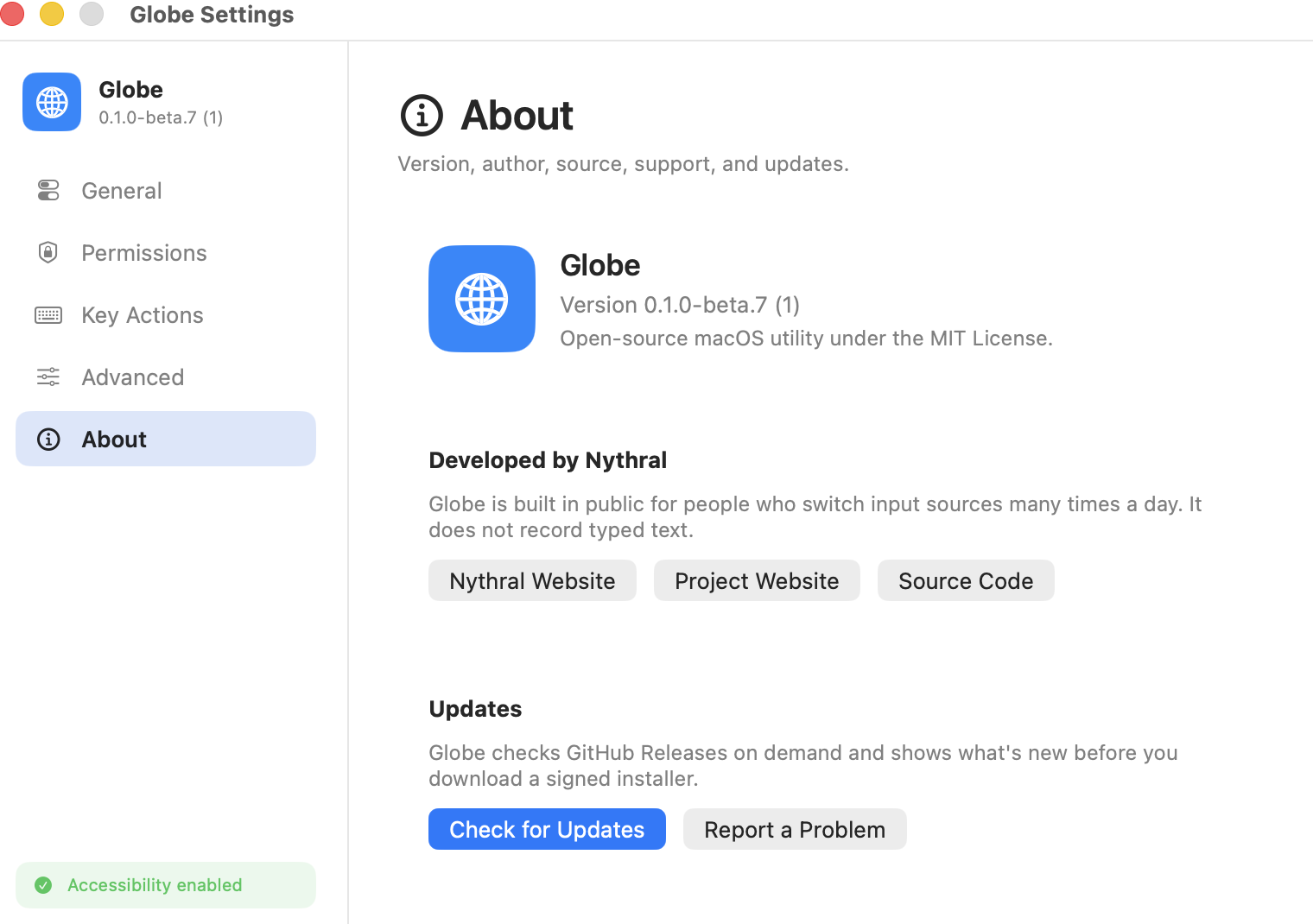
About
Product system
macOS utility / open-source product / permission-aware UX
macOS utility
Key actions
Onboarding
Permissions
Settings
Open-source repository
Product website
The product promise is intentionally small: make a confusing macOS key behave as a direct tool.
The onboarding and permission surfaces show why the app needs system-level access before the user depends on it.
The website, screenshots, copy, and ledger record position the project as maintainable software rather than a throwaway utility.
Outcomes
01 / 05
Key actions
The product explains direct Globe/Fn behaviors instead of burying the user in macOS preference paths.
01
Defined the product around one precise system pain: turning Globe/Fn from an overloaded key into intentional actions.
02
Built a polished product website that explains behavior, permissions, and setup without making the utility feel heavy.
03
Created a screenshot-driven Systems Ledger record so the open-source app can be evaluated as a real product, not only a repository.
04
Kept the public story honest about macOS requirements by making permissions and system integration visible.
Technology stack
The stack was selected around the delivery goal, production constraints, operating model, and future iteration path.
macOS input behavior and system integration target
native utility implementation direction
public product site and Systems Ledger presentation
typed landing implementation and product content
production hosting and deploy workflow for the site
open-source repository, review history, and public distribution surface
Start a similar build
Use the same request flow as the main site. We will route the conversation to product strategy, mobile app, CRM/admin, agentic engineering, or launch-site work.