Modal AI infrastructure
Build AI products on Modal without moving the whole app there.
Nythral designs and ships Modal-backed systems: GPU inference, model workers, queues, web endpoints, sandboxes, scheduled jobs, storage boundaries, and the durable product backend around them.
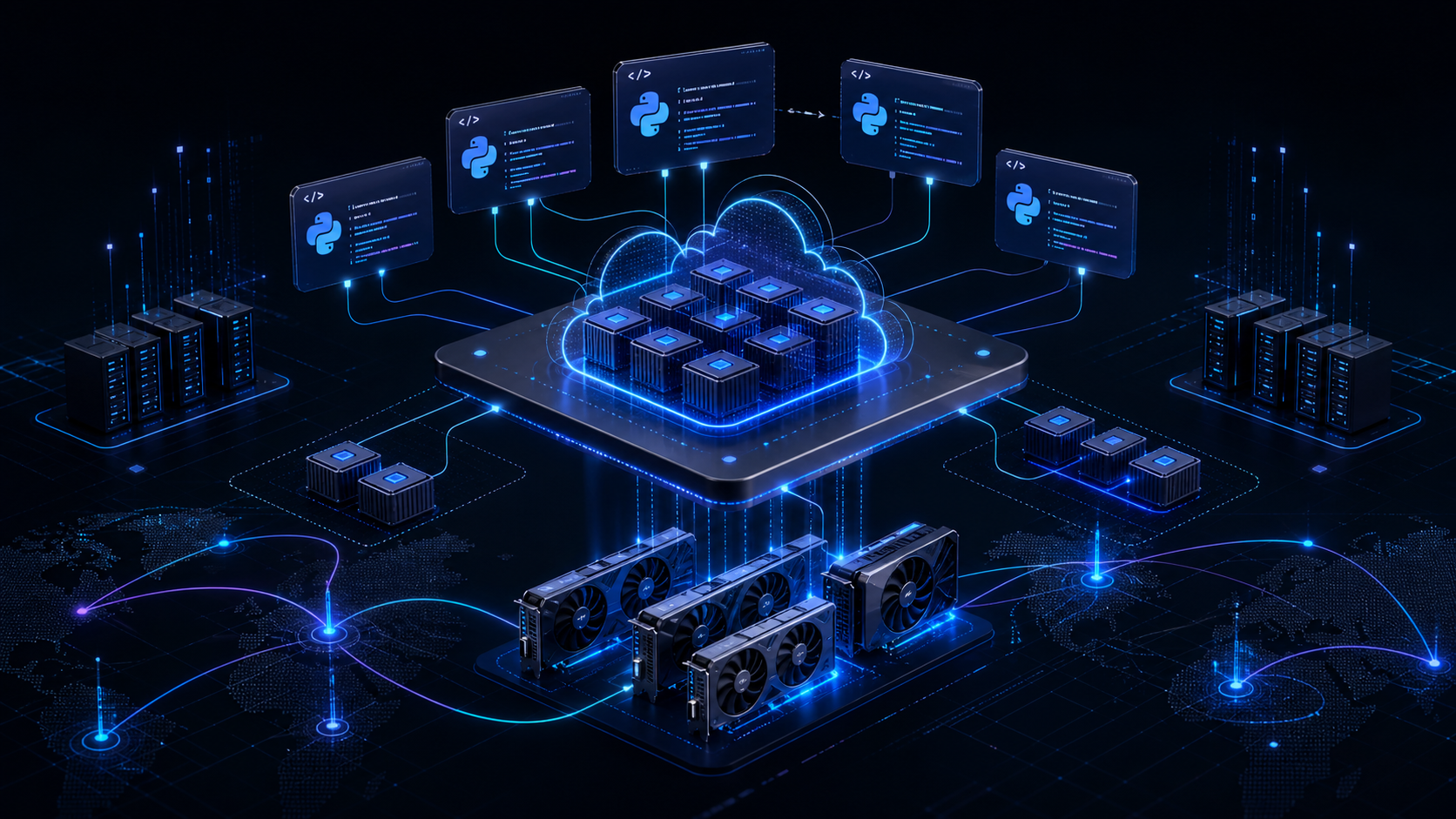
Search intent
Modal buyers need a build path.
Queries like modal ai, modal gpu, modal inference, modal queue, and modal docs usually come from developers or founders trying to turn model code into a product workflow.
The gap is not “what is Modal?” The gap is architecture: what runs on Modal, what stays in the app, how jobs are queued, where files live, how secrets are scoped, how costs are tracked, and how users see reliable status.
What Modal is good for
Use Modal as the AI execution layer.
GPU inference
Run model endpoints, transcription, image generation, video processing, embeddings, and batch jobs on the GPU that fits the workload.
AI queues
Keep the main app responsive while long-running jobs execute through Modal functions, schedules, queues, or async calls.
Web endpoints
Expose model workers to a Next.js, mobile, CRM, or internal backend through authenticated HTTP boundaries.
Sandboxes
Run generated code, evaluation jobs, repo operations, and isolated agent tasks outside the main application container.
Model weights
Use Volumes, object storage, custom images, and secrets so large models and credentials have a real lifecycle.
Proof from our work
PeakCut keeps heavy AI video work on Modal.
PeakCut turns long videos into short-form clips with transcription, highlight detection, subtitles, covers, metadata, generated visuals, talking-video workflows, and publishing support. Modal handles the heavy execution path while the product keeps state in Postgres and artifacts in S3.
Video job orchestration
The web app creates a job, stores durable state in Postgres, and lets Modal run the heavy pipeline.
Local neural models on Modal
PeakCut deploys open/local model workloads on Modal, including faster-whisper transcription and generated visual pipelines.
Dedicated Modal apps
Separate Modal apps handle transcription, avatar generation, talking-head video, gaze correction, scheduled workers, and job endpoints.
Progressive delivery
Clips, covers, subtitles, metadata, cost breakdowns, and status updates flow back to S3 and Postgres as the job advances.
Backend stays the source of truth
Modal does the expensive compute. The product backend owns users, billing, jobs, files, outputs, and UI state.
Clean architecture
The correct Modal architecture has a product boundary.
Product backend
Authentication, customers, billing, files, job records, permissions, audit logs, and durable product state stay in the main app.
Modal execution plane
Modal functions run GPU inference, batch jobs, scheduled work, isolated sandboxes, transcoders, or model pipelines.
Storage and secrets
Artifacts live in S3 or product storage. Modal Secrets and Volumes handle credentials, cached models, and heavy runtime assets.
Status and cost loop
Jobs report progress, errors, output paths, model cost, GPU seconds, and operational metrics back to the system of record.
Build with us
Turn model scripts into product systems.
Good first consultation topics
Modal GPU deployment: which model, which GPU, how long jobs run, and whether the workload should scale to zero.
Modal inference: whether to use a custom serving stack, Modal Inference, or a private/hybrid path.
Modal queues: how the app creates jobs, retries failures, reports progress, and avoids blocking user requests.
Modal sandboxes: whether agent code, repo tasks, or generated code need isolated execution.
Free consultation
Scope your Modal build before the architecture hardens.
Send the model, product idea, current repo state, expected workload, and where the outputs need to land. We will map the cleanest Modal integration path.
Technical references
These sources support the page’s Modal terminology and architecture framing. Nythral’s PeakCut implementation details come from our private PeakCut codebase.
Related Nythral research