Owner-controlled AI infrastructure
Local assistants
Private AI servers close to your company data.
We configure Mac mini servers, Umbrel nodes, and GPU workstations for private assistants, coding agents, voice recognition, image generation, and local automation.
Mac miniUmbrelOllamaWhisperOpenCodeDocker
Private assistants for company knowledge
Local coding and automation agents
Speech, image, and vision model paths
Request this system
Tell us what you want to build.
We will map the right model stack, workflow, deployment path, media pipeline, and production controls.
Related reading
Useful context before scoping Local Assistants.
Private corporate network
Plan controlled remote access when local assistants need to reach private tools or infrastructure.
Local AI machine guide
Hardware planning for private assistants and local model workflows.
Private AI compute layer
Why assistants need runtime, storage, access rules, and monitoring.
Private AI models
Infrastructure and model runtime planning for controlled AI systems.
Service FAQ
Questions before scoping Local Assistants.
How is a local assistant different from private AI infrastructure?
Private AI infrastructure is the runtime and control layer. A local assistant is the user-facing workflow: files, tools, prompts, permissions, and review loops for daily work.
Can the assistant use company files?
Yes, but only after the sources and access rules are scoped. We define what it can read, what it can write, and what needs human approval.
Can it work with tools?
Yes. Local assistants can use repositories, documents, CRM exports, transcription, and automation tools when the access model is explicit.
Examples
Real surfaces and sample outputs.
Video, audio, infrastructure, and product surfaces are arranged as proof of the workflow, not decorative filler.
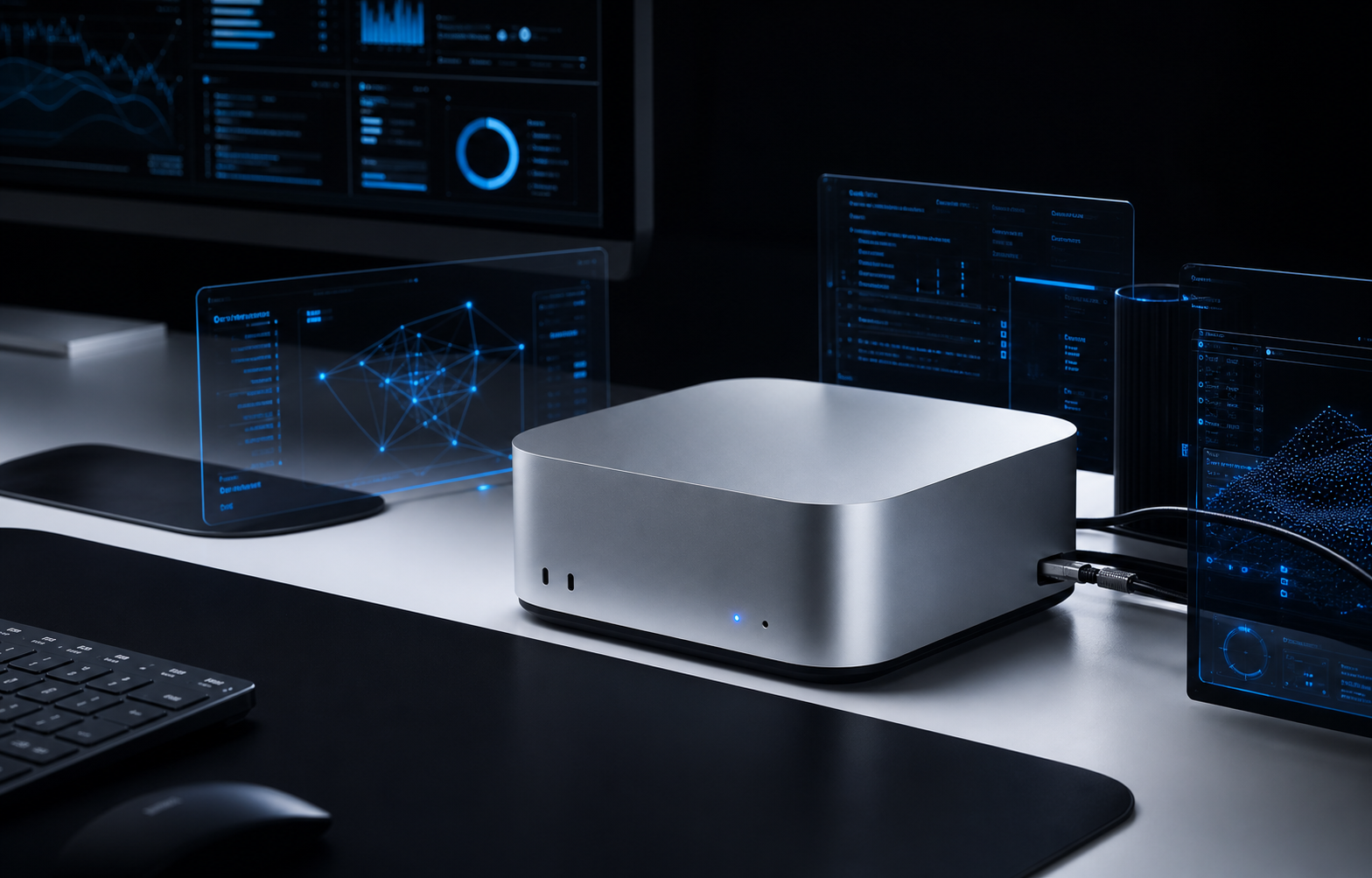
Mac mini agent server
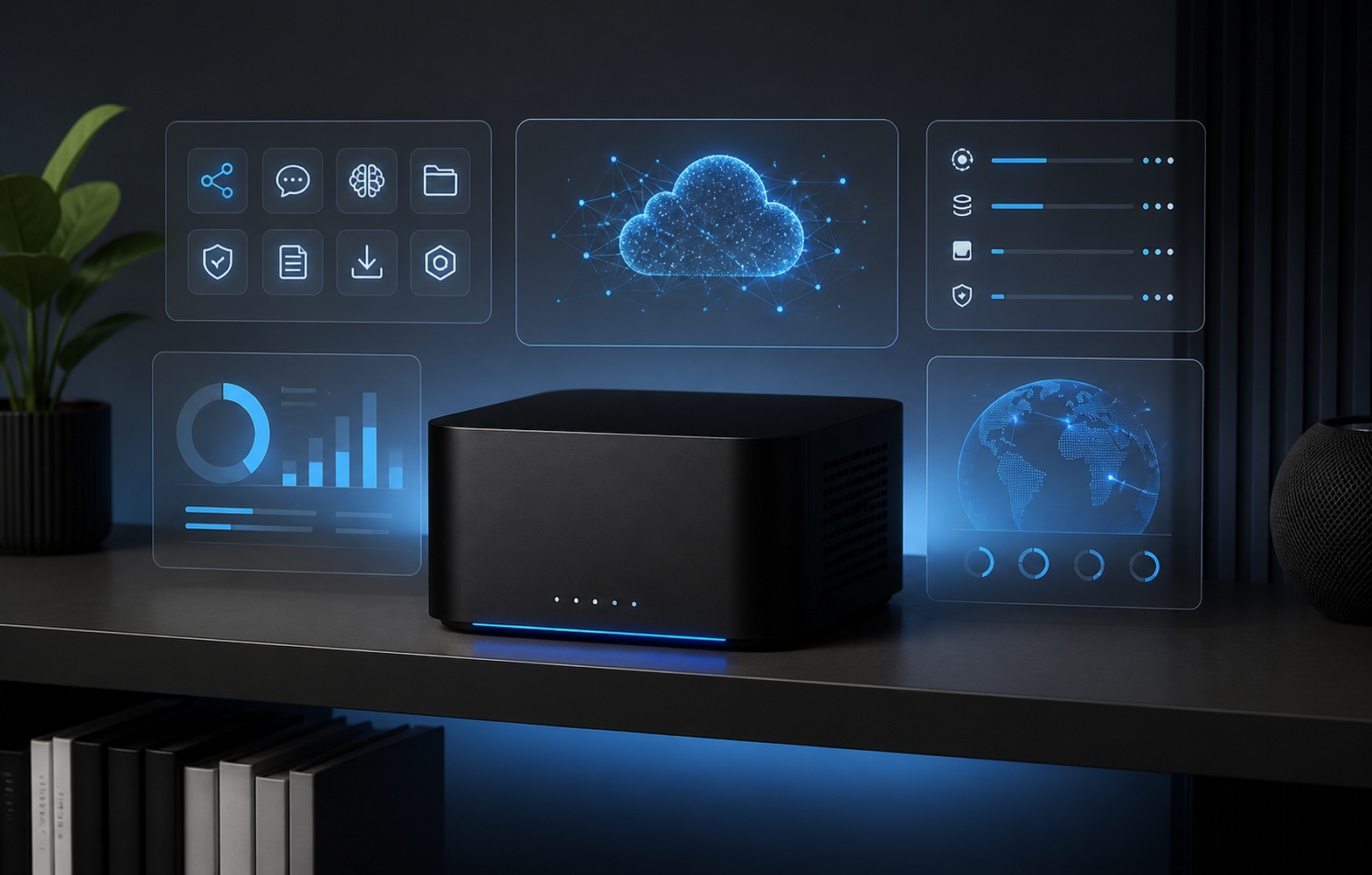
Umbrel assistant node
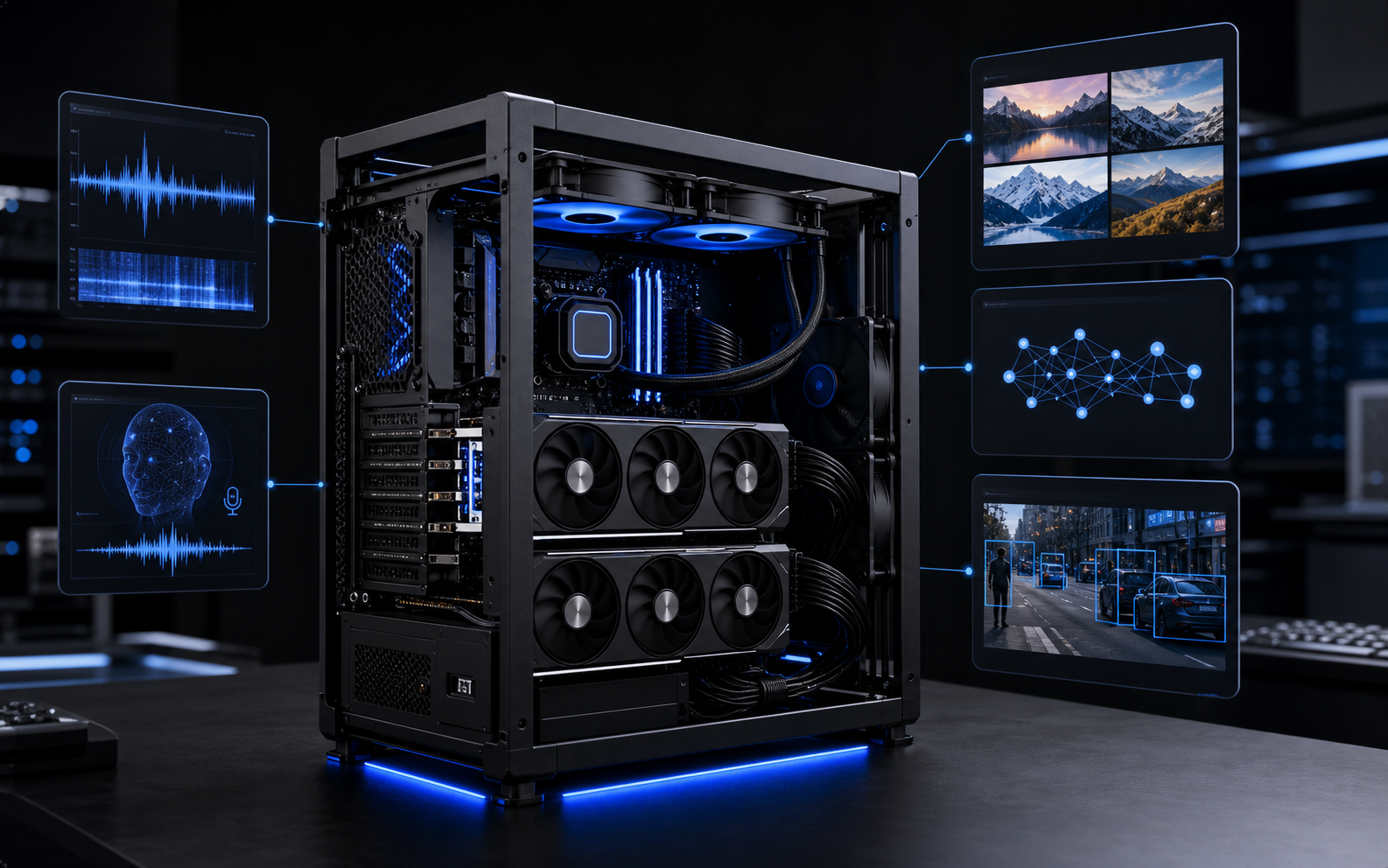
GPU inference workstation
Assistant workflows inside the company boundary
Local Assistants is about the day-to-day surface people use: repo helpers, document Q&A, voice intake, internal task helpers, and automations running close to company files.
Assistant UX planning
Private file and repo access
Workflow triggers
Team-ready prompts
Knowledge base and permissions
A local assistant needs clear boundaries around which folders, repositories, CRM exports, and documents it can read. We shape the knowledge base around permissions instead of dumping everything into one context.
Scoped knowledge sources
Role-aware access
Document boundaries
Update process
Tool access and audit trail
Assistant workflows become safer when tool calls, file access, prompt changes, and important outputs leave a trace that a human can review.
Tool permissions
Action logs
Human review
Rollback-friendly workflows
Practical local agent jobs
We turn the local machine into a controlled workspace for specific jobs instead of treating it as generic AI hardware. The goal is useful, repeatable assistance for business operations.
Repository agents
Knowledge assistants
Voice transcription
CRM and document jobs
Next step
Scope the first version with us.
Send the goal, references, deadline, and where this needs to live. We will respond with a practical build path.