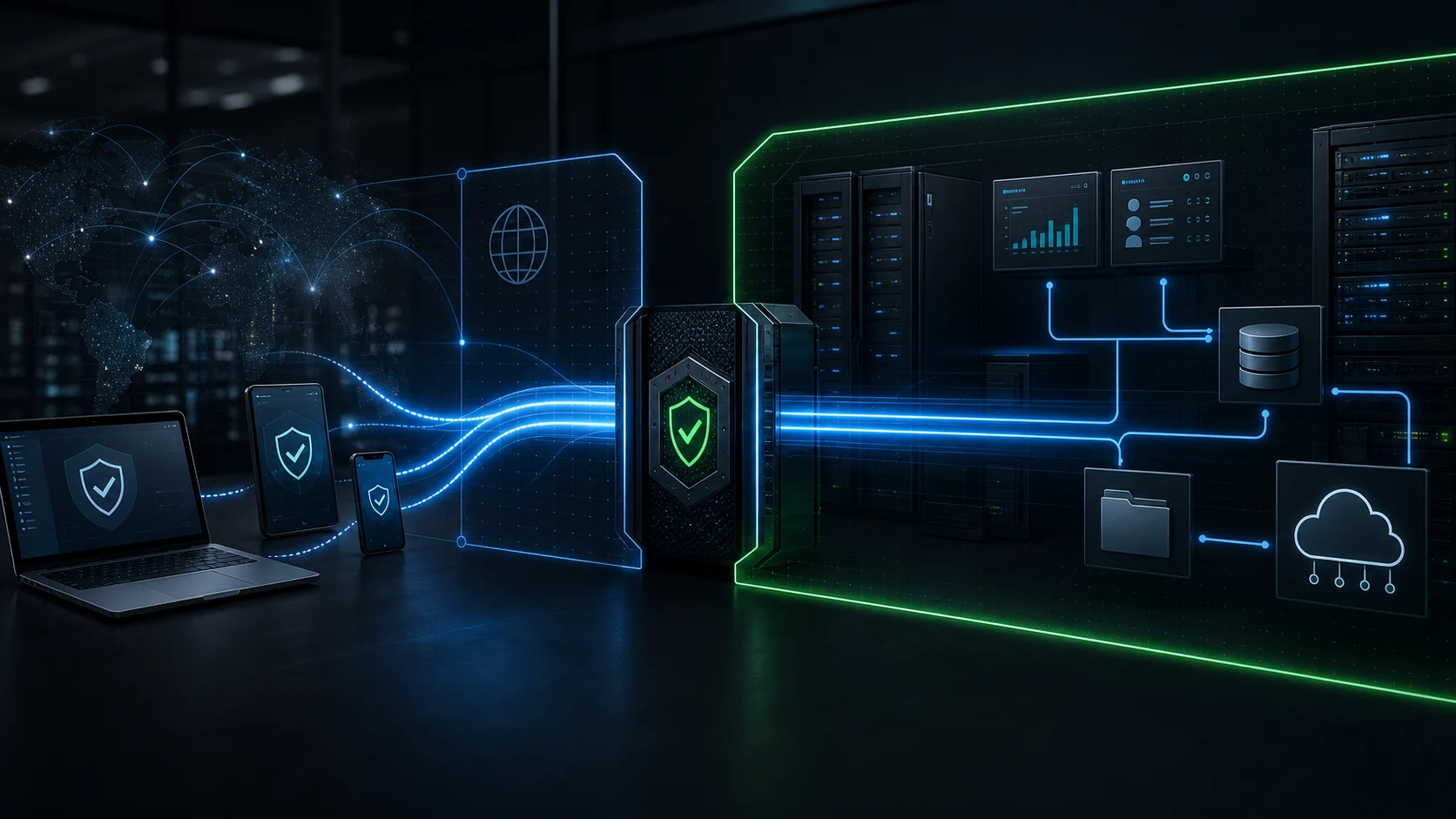
Corporate VPN setup
Business VPN setup and private access for internal systems.
Nythral is a managed VPN service that designs and deploys corporate network VPN access — a private VPN for business admin panels, internal dashboards, remote teams, vendor access, databases, staging environments, and protected infrastructure.
Quick access review
Request a private VPN consultation
Send the systems that need private access. We will respond with the practical next step.
Why this page exists
Corporate VPN buyers need a clear build path.
A business VPN — a VPN for business teams that need controlled access to internal resources — earns its place across remote workers, offices, vendors, or cloud systems. The search intent is partly educational, but it is also operational: the visitor wants to know what to build, what it protects, and who can implement it.
A corporate network VPN should answer both questions: what is a business VPN, and how does this company set one up safely? The practical conversion path is a free access review. We identify what is currently public, which systems should move behind private access, and whether a VPN solution for business, zero-trust access, or a hybrid company VPN model fits the company.
Corporate network VPN patterns
Choose the access model before choosing the tool.
Search results for corporate VPN and business VPN setup mix definitions, providers, and setup questions. The useful decision for a company VPN is narrower: who needs private access, from which devices, to which internal systems, and under which operating rules?
Remote access VPN for business
Individual employees, owners, vendors, and contractors connect from approved devices to internal tools.
Read the guideSite-to-site VPN
This site-to-site VPN setup connects an office, branch, warehouse, or cloud network privately to another business network.
Read the guideAdmin-panel protection
Public dashboards, back offices, staging tools, and internal apps move behind VPN-only firewall rules.
Read the guideProtocol selection
WireGuard, OpenVPN, IKEv2, or managed access is selected after users, devices, and routes are mapped.
Read the guideWhat we build
A private access layer with owner control.
Access map
We list the people, devices, admin panels, internal apps, servers, databases, and vendor paths that need private access.
Gateway design
We choose the right pattern for the business: IKEv2/IPsec, WireGuard-style access, cloud VPN, or a managed zero-trust path.
Routes and firewall rules
Protected systems accept traffic from the private access path and stop exposing unnecessary public endpoints.
Device handoff
Approved users receive setup instructions for macOS, Windows, iOS, Android, tablets, and managed workstations.
Access review
Turn the VPN idea into a real access plan.
Send the systems, users, and devices that need private access. We will map the first practical corporate VPN setup path before you choose a protocol or vendor.
Quick form
Start the access map
Use the comment field for admin panels, internal tools, servers, cloud provider, users, and devices.
Use cases
When a corporate VPN network is the right first move.
Small business admin panel
Put the admin dashboard behind VPN-only access instead of leaving it public.
Remote employees
A remote access VPN for business gives approved staff a reliable private route into operations tools from home or travel networks.
Contractors and vendors
Issue scoped, temporary access without opening broad server firewalls.
SaaS and product teams
Protect staging, internal dashboards, observability tools, databases, and SSH/RDP access.
Medical, legal, and finance workflows
Reduce public exposure around sensitive operational systems while keeping daily access practical.
Implementation options
WireGuard, OpenVPN, IKEv2, or zero trust depends on the access map.
The protocol should follow the business requirement. A small admin-panel shield, a secure remote access VPN for a remote team, and a site-to-site VPN setup for an office route do not need the same architecture — and an enterprise VPN rollout adds even more scale to plan for.
WireGuard-style access
Lean private routes, strong performance, and compact configuration when key ownership is disciplined.
OpenVPN
Mature clients, broad support, and familiar managed deployment paths for business remote access.
IKEv2/IPsec
Useful for native device support and stable VPN profiles across common operating systems.
Zero-trust access
A better fit when application-level identity, device posture, and per-app policies matter more than network routes.
VPN comparison
Corporate VPN is not the same product category as a consumer VPN app.
| Question | Consumer VPN | Corporate VPN network |
|---|---|---|
| Goal | Hide or reroute personal internet traffic. | Let approved people reach private company systems. |
| Network owner | A public provider shared by unrelated subscribers. | Your company owns the gateway, routes, and access rules. |
| Protected target | The user's outbound browsing path. | Admin panels, internal tools, servers, databases, and cloud networks. |
| Success metric | A different visible IP or region. | Less public attack surface and cleaner access control. |
Implementation path
Close public exposure without breaking daily work.
A good corporate VPN setup does not just add a gateway. It changes routes, firewall rules, device setup, revocation, and documentation around the systems people actually use.
Quick form
Scope the secure route
Describe what is public today and what should become reachable only through private access.
Security baseline
A VPN gateway has to be maintained like security infrastructure.
Whether you run it in-house or hand it to Nythral as a managed VPN service, a secure remote access VPN gateway needs ongoing care — authentication, routing, patching, and revocation all have to stay current.
Free consultation covers
- Current exposure: which admin systems, dashboards, ports, and tools are reachable from the public internet.
- Access model: who needs access, from which devices, and how vendors or contractors should be limited.
- Recommended path: VPN, zero-trust access, cloud private networking, or a smaller firewall-first fix.
- Implementation estimate: likely build scope, handoff requirements, and ongoing maintenance needs.
References used for the technical baseline
FAQ
Corporate VPN questions buyers ask before setup.
What is a corporate network VPN?
It is a private access layer that lets approved users and devices reach company systems through an encrypted gateway instead of exposing those systems directly to the public internet.
Is this the same as buying a consumer VPN?
No. Consumer VPNs usually route personal browsing through a provider. Corporate VPN networks protect company-owned systems such as admin panels, databases, servers, and internal tools.
Should we use remote access VPN or site-to-site VPN?
Use remote access VPN for individual users and devices. Use site-to-site VPN when an office, branch, or cloud network needs a private route to another network.
Can this protect internal tools and admin panels?
Yes. The common implementation is to close public access to internal tools and allow traffic only through the VPN gateway or another private access layer.
How do we choose the right VPN solution for business?
The best VPN solution for business depends on who needs access, the devices in use, and the systems being protected. Nythral maps that first, then recommends remote access VPN, site-to-site VPN, or a fully managed VPN service.
Do you handle enterprise VPN and business VPN setup?
Yes. From a single admin-panel shield to a full enterprise VPN, Nythral scopes the business VPN setup, deploys the gateway, configures routes and firewall rules, and documents the operating handoff.
Free consultation
Find out what should move behind private access.
Send the rough shape of your business systems. We will respond with the next practical step for a corporate VPN network, a remote access VPN for business, or a cleaner private access alternative.
Quick form
Request a VPN consultation
A short comment is enough to start: systems, users, current hosting, and any VPN or firewall setup you already have.